Chapter 03 / Gameplay integration
Connect motion to input
The player does not experience a folder of clips. They experience the route between intentions, movements and consequences.
Make responsiveness a shared definition
“Responsive” can mean an immediate visual acknowledgment, rapid acceleration or a generous opportunity to cancel an action. These are related, but they are not interchangeable. Decide which response matters for each player action.
Then describe a test. Press, release, reverse direction, collide and interrupt. The team needs a repeatable interaction, not just a general request to make the animation feel faster.
Choose who owns movement
In-place animation lets gameplay code drive displacement while the pose supplies the visual performance. Root motion can derive displacement from an authored trajectory. Many games use a combination, depending on the action.
Neither approach automatically fixes sliding or responsiveness. The important question is how intended velocity, collision and animation agree. Document what happens when a root-driven lunge meets a wall, or when code changes speed faster than the current foot cycle can support.
Author the joins, not only the loops
A walk loop may look excellent and still produce a poor controller. Starts, stops, pivots and speed changes carry much of the player’s sense of control. Give them production attention before spending heavily on decorative variations.
Match transition assumptions across clips: contact phase, body direction, expected velocity and available duration. Long blends can erase the strongest pose; short blends can reveal a mismatch. Test several input patterns rather than choosing a blend duration from a single favorable transition.
Separate anticipation from input delay
A readable attack needs an idea of preparation, impact and recovery. That does not necessarily mean the player must wait through all preparation before receiving feedback. A change of stance, camera response or early pose shift can acknowledge input while preserving the action’s dramatic shape.
Define which portions are committed and which can be interrupted. If a dodge can cancel recovery but not impact, make that rule explicit in the action design and the animation review. Input buffering is another separate decision: a queued request should be accepted and consumed according to documented rules, not accidentally preserved by a particular state transition.
Keep gameplay authority clear
Animation events are useful for synchronizing sound, effects and other cues, but a visual clip should not become an undocumented source of game rules. Specify who owns hit detection, damage timing and movement permission. In networked play, server authority and prediction may further constrain how those decisions are represented.
Unreal Engine Animation Blueprints and Unity Animator controllers provide ways to organize runtime animation, but the architecture still needs ownership and debugging conventions. Record which variables select a state, which layer controls a body region and what happens when two systems request incompatible actions.
Layer motion with restraint
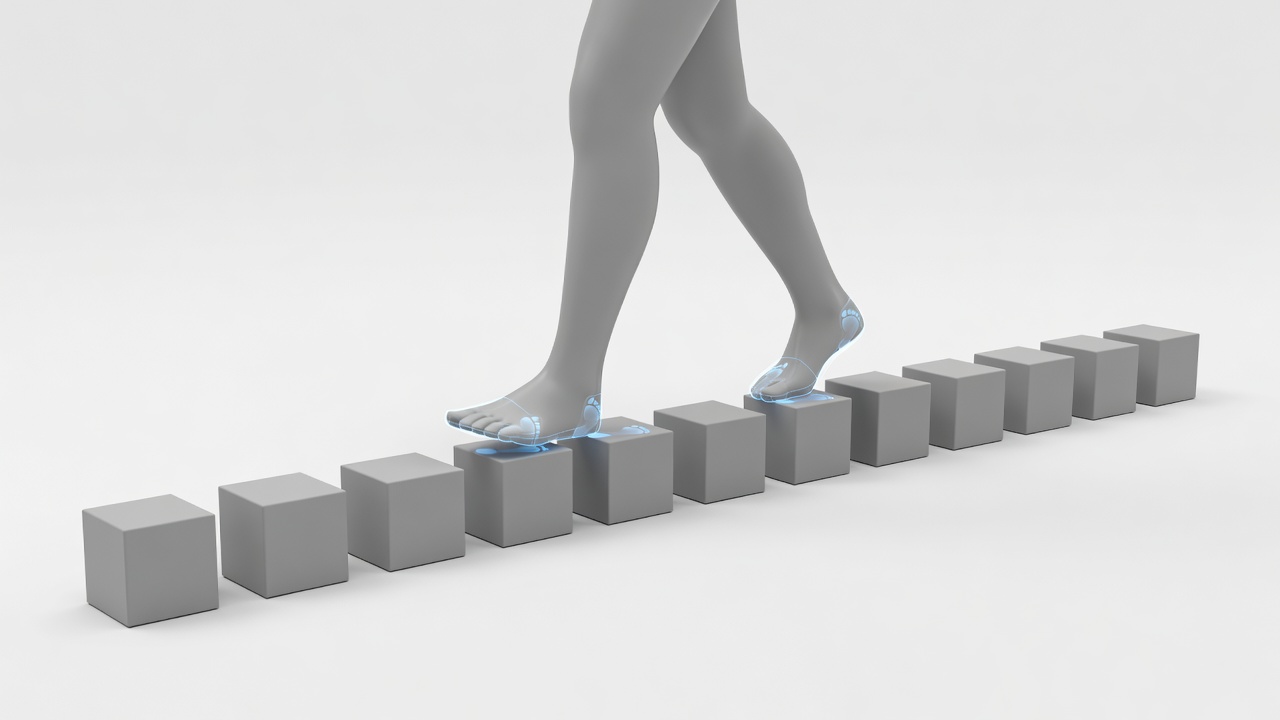
Additive breathing, recoil and aim adjustments can enrich a small clip set. They can also accumulate into a pose nobody intentionally authored. Review the maximum plausible combination: turning while aiming, taking damage and carrying equipment may expose shoulder distortion or broken hand contact.
Use body masks and layer priorities deliberately. Decide which layer may override the spine and which must preserve the support leg. If procedural foot placement is present, test steps, slopes and moving surfaces. It should adapt a sound base performance, not conceal a fundamental mismatch between trajectory and animation speed.
Build a test space that tells the truth
Keep a lightweight scene with flat ground, slopes, stairs, obstacles and enough room for acceleration. Add visible input, current state and velocity when practical. A clean diagnostic space helps distinguish animation issues from camera composition, environment clutter and unstable frame pacing.
Then test in a representative level. Camera collision, narrow passages and uneven surfaces can change the reading dramatically. Capture the exact sequence that fails and attach the relevant state information. “It pops sometimes” is difficult to fix; a repeatable reversal at a known transition gives the team a useful starting point.
Integration review checklist
- Input acknowledgment is visible and consistent.
- Starts, stops and reversals preserve useful contact.
- Movement ownership is explicit for each action type.
- Interruptions and buffered inputs follow documented rules.
- Layer combinations, collision and target hardware have been tested.
Motion matching and other pose-selection techniques can improve coverage when supported by suitable data and engineering. They do not remove the need for intent, contact quality or transition policy. Choose the simplest system that can meet the game’s actual movement demands, then expand it when tests reveal a concrete limitation.